An AI assistant only knows what you tell it. Ask “write a post about our new product” and you will get something generic, because the assistant has to guess who the post is for, how long it should be and what tone you want. The fix is not magic words. It is giving the assistant the same information you would give a new colleague.
Use this six-part checklist. You will not need every part every time, but the more of them a prompt covers, the better the first answer tends to be.
1. Role: who should the AI be?
Start by telling the assistant what kind of expert to act as: “You are an experienced copywriter for small food businesses” or “Act as a patient maths tutor for a 12-year-old”. A role sets the vocabulary, the level of detail and the point of view.
2. Task: what exactly should it do?
Use one clear verb: write, summarise, compare, plan, explain, rewrite, review. If you have several jobs, number them. “Help me with my newsletter” is a wish. “Write three subject lines and a 150-word intro for our October newsletter” is a task.
3. Context: what does it need to know?
Give the background a person would need: who the audience is, what the goal is, what has already been tried and any facts it must use. Paste the source material (an article, notes, a draft) rather than describing it. Context is usually the part that makes the biggest difference.
4. Format: what should the answer look like?
Say how long, how it should be structured and where it will be used. “A table with three columns”, “five bullet points of no more than 15 words”, “an email I can send as it is” or “plain text without headings” all save you a round of editing.
5. Constraints: what are the rules?
Add tone, reading level, words to avoid, things that must or must not be included, and the language or spelling to use. “Friendly but not salesy, UK English, no exclamation marks” is a perfectly good constraint.
6. Examples: what does good look like?
If you have an example of the style you want, include it and say what to copy from it (the tone, the structure, the length). One good example often works better than a paragraph of description.
Before and after
Before
Write a post about our new product.After
You are a social media copywriter for a small, family-run bakery.

Write 3 Instagram captions announcing our new sourdough loaf, available from Saturday.

Context: our followers are local families and office workers. The loaf is made with a
starter we have kept for 12 years and baked fresh every morning. Price: R45.

Format: each caption under 60 words, with 3 relevant hashtags at the end.
Tone: warm and a little playful, UK English, no more than one emoji per caption.
The second prompt takes a minute longer to write, but the answer needs far less fixing.
Keep the conversation going
Your first prompt does not have to be perfect. Treat the answer as a draft and steer it with short follow-ups:
- “Make it shorter and more direct.”
- “Give me three different versions: formal, friendly and bold.”
- “What information would help you do this better? Ask me before you write.”
- “Check your answer against my constraints and fix anything that does not follow them.”
Asking the assistant to question you first is especially useful for bigger jobs, such as a business plan or a study timetable. For large tasks, split the work into steps (outline first, then each section) rather than asking for everything at once.
Save what works
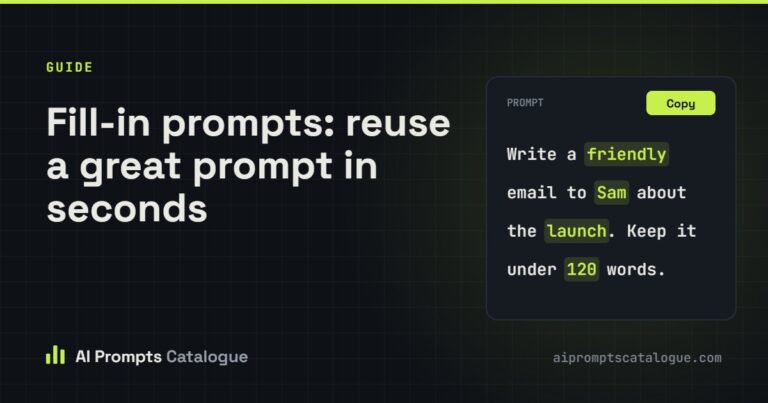
When a prompt gives you a great result, save it and turn the parts that change into blanks, like ${audience} or ${tone}. Next time you only fill in the blanks. Our guide to fill-in prompts shows how.
Want a head start? Browse the prompt engineering collection, where prompts such as the TCRE Framework prompt engineer and the Meta-Prompt Engineer help you turn a rough goal into a well-structured prompt.